Chances are some of your team are already pasting Zoho data into an AI chat window to summarise a deal, draft a reply or check an invoice. It works, and it is also a quiet way for customer data to leave your systems with no record of it.
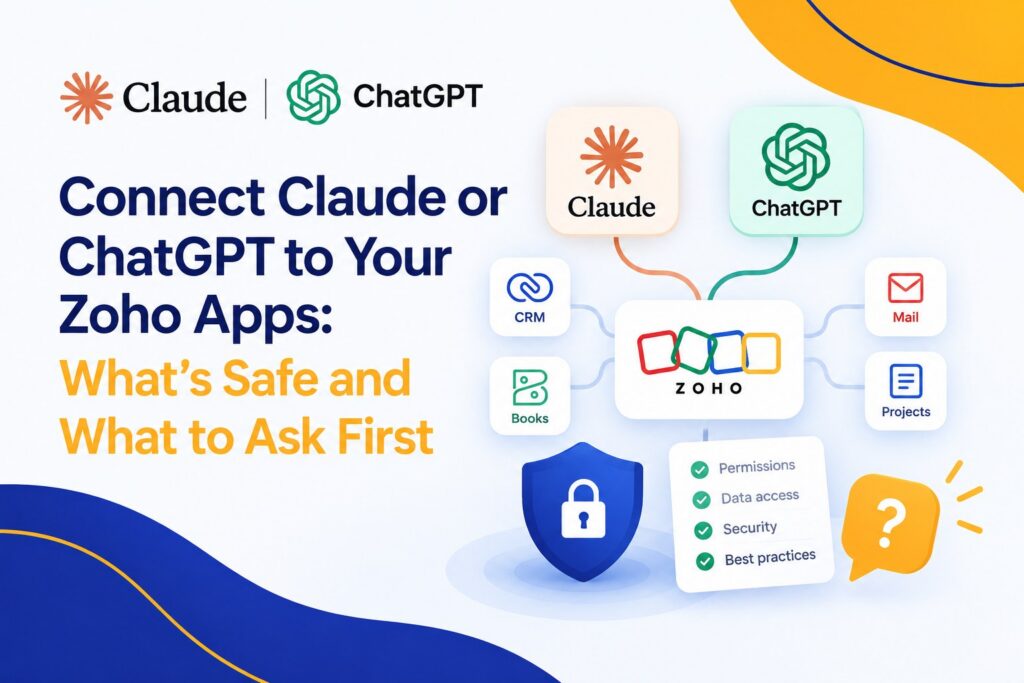
Zoho MCP offers a more controlled route. Instead of copying data out, an AI assistant such as Claude or ChatGPT is connected to your Zoho apps and works inside them, under rules you set. That is a real step forward. It also raises questions every business should answer before switching it on. Here is how it works, what Zoho says keeps it safe, where the gaps are, and an eight-point checklist.
MCP, the Model Context Protocol, is an open standard that lets AI assistants use business software. Zoho MCP lets you build a server that exposes chosen tools, actions and data from your Zoho apps to an AI assistant. Zoho describes it as model-agnostic and compatible with Claude, GPT and other agents. It lists apps including CRM, Desk, Projects, WorkDrive, Books and Billing, and sample workflows such as updating deals, replying to tickets, generating invoices and logging expenses. Signing up is free.
Setup follows a simple pattern. You create a server in Zoho MCP, choose which tools to enable, and copy the server URL. Then you add that URL as a connector in your AI assistant. For Claude, Zoho’s help pages say you need to be an organisation admin on a Team plan or higher. For ChatGPT, you need a Plus, Pro or Team plan with Developer Mode switched on.
These are the right foundations. They are not the whole job.
Start by reading, not writing. Questions like “which invoices are overdue?” or “which tickets are waiting longest?” save time and cannot change a record. Once your team trusts the answers, add one low-risk write at a time, such as drafting a follow-up note for a person to approve.
One more tip. If you find yourself typing the same request every morning, that is not a chat. It is a process, and it probably belongs in a Zoho Flow or a Zia agent where it runs the same way every time.
This is the diagnose-before-we-prescribe work. We will look at your Zoho roles and permissions, help you choose a first use case, and set up a connection with the least access it needs, so your team gets the benefit without the worry. Book a free consultation at consultjc.com or email info@consultjc.com.
People first. Systems that scale.