
Consult JC

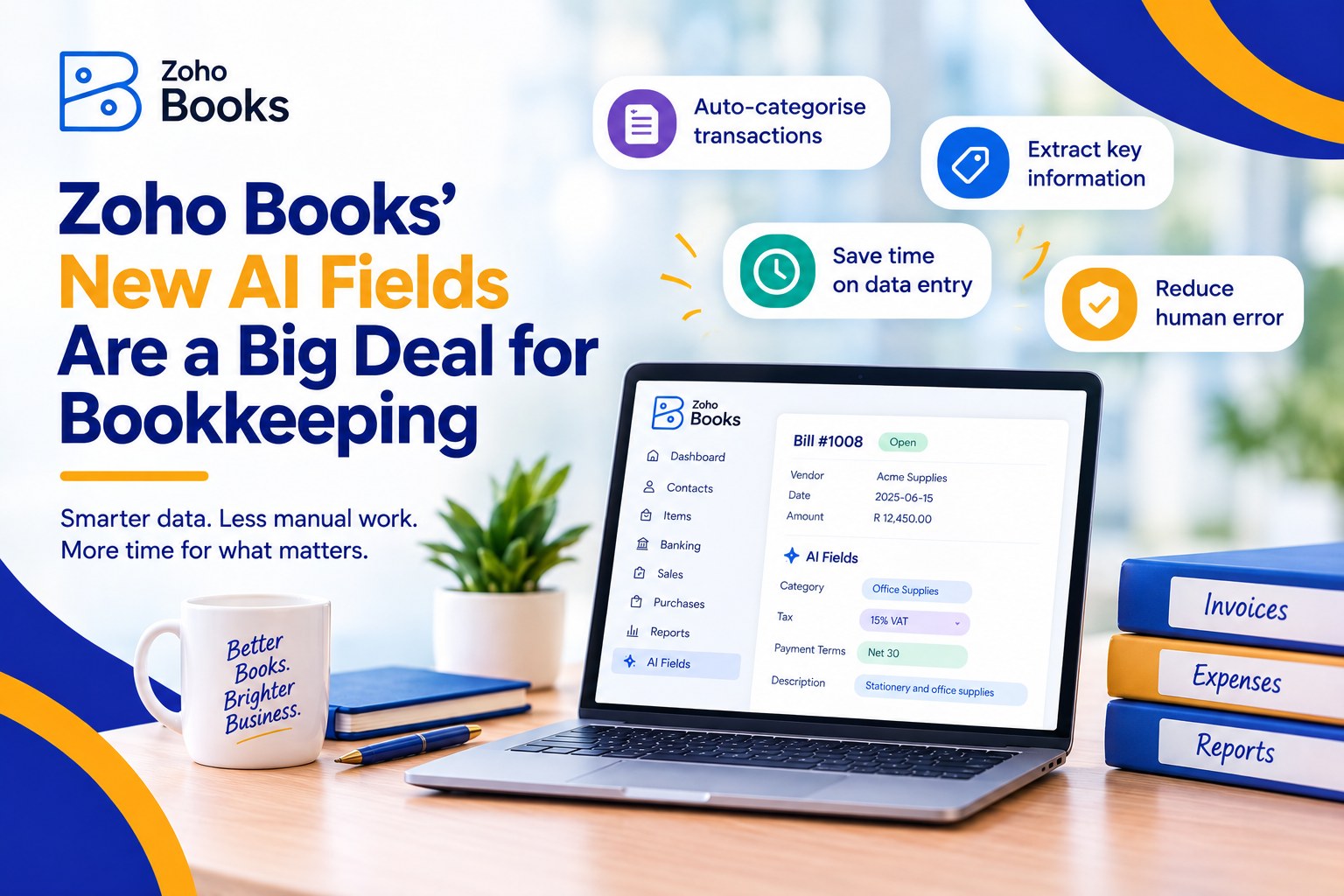
Zoho Books’ New AI Fields Are a Big Deal for Bookkeeping

Zoho Books' New AI Fields Are a Big Deal for Bookkeeping

Zoho Books’ New AI Fields Are a Big Deal for Bookkeeping

Every finance team has a version of the same month-end story. A pile of receipts nobody coded. A customer comment on an invoice that nobody read. A tax rate someone looked up by hand and hoped was right. None of it is complicated work. All of it eats hours that should go to the numbers that matter.

Zoho Books’ May 2026 update goes straight at that pile. Three changes are worth your attention: AI-powered custom fields, free receipt scanning, and automated sales tax for US and Canadian businesses. Here is what each one does, how to set it up, and where we would keep a person in the loop.

What Actually Changed

  • AI custom fields. Three new field types that read one field on a transaction and write a result into another: Image to Text, Keyword Extraction and Sentiment Analysis.
  • Free receipt scanning. Zoho says receipt scans are now free, so capturing, scanning and managing expense receipts costs nothing extra. Monthly limits depend on your plan.
  • Sales tax automation (US and Canada). Zoho says it “automatically determines and applies the correct tax”, taking into account your business location, your customer’s location, tax registrations, the type of goods or services and customer exemptions.

Setting Up AI Custom Fields, Step by Step

Zoho says AI custom fields are available on Premium plans and above. Its help documentation currently lists them as Early Access, so you may need to ask support to switch them on first.

  1. Check your plan and ask for access. You need Premium or above. If the AI data types are not available in your organisation, email support@zohobooks.com.
  2. Turn on AI features. Go to Settings, then Organisation, then AI Preferences. Switch on the feature, choose an AI provider and model, and save.
  3. Create the custom field. Add a new custom field and choose one of the AI data types.
  4. Point it at an input field. Tell Zoho which field the AI should read. Once a transaction is marked as Sent, the result appears on its details page.
  5. Test on real transactions first. Run it on a handful of live examples and check the output before you roll it out to the team.


Three Ways Finance Teams Can Use Them

  • Keyword Extraction pulls the most important words from a transaction description. Zoho’s own examples are categorising transactions and capturing item attributes such as colour or size. It gives you something to filter and report on that you did not have to type.
  • Sentiment Analysis labels customer feedback on a transaction as Positive, Negative or Neutral. Our suggestion: use it to flag which overdue conversations need a softer opening before your collections call.
  • Image to Text extracts printed or handwritten text from an uploaded image, describes it and detects objects. It is a good fit for handwritten delivery notes and supplier paperwork that never arrive as clean PDFs.

One practical limit: Zoho’s US pricing page shows two AI fields on each of Premium, Elite and Ultimate. With only two to use, decide which problems cost you the most time before you create them.


Free Receipt Scanning: What “Free” Means

“Free” does not mean unlimited. At the time of writing, Zoho’s US pricing page shows 50 receipt autoscans a month on the Free plan, 200 on Standard and Professional, and 1,000 on Premium, Elite and Ultimate. Limits can differ by region, so check the pricing page for yours.

The bigger win is habit, not software. Make receipt capture something people do on the day, not at month end. Agree who reviews what comes in, because a scan reads the receipt but a person still decides how it is coded.


Sales Tax Automation: Before You Switch It On

Treat this as a calculation tool. As we read Zoho’s description, it works out the right tax on your transactions. Filing and remittance stay with you and your accountant. Before you turn it on, we would check:

  • Your organisation address. It sets where the tax starts, so make sure it is right.
  • Your items and customers. Items should carry the right tax category, and exemption certificates should be on file for customers such as resellers, non-profits and government bodies. A certificate alone may not be enough if the item itself does not qualify.
  • Recurring invoices. Do not assume older transactions are recalculated. Test on new ones and review anything already scheduled.
  • Your registrations. Confirm the states or provinces you are registered in, so the system is working from the same list your accountant is.


Where We Would Keep a Human in the Loop

  • AI output is a suggestion. Someone should review keyword and sentiment results before they drive a decision about a customer or a ledger.
  • Know where your data goes. When you enable AI features you choose a provider and model. Zoho’s documentation for AI custom fields does not spell out data handling, so check before pointing them at sensitive customer notes.
  • Tax automation is not tax advice. Questions about where you owe tax, and how to file it, still belong with a CPA.
  • Fields nobody trusts get ignored. Explain to your team what each AI field means and what to do with it. Adoption is the real measure of whether this works.


Want This Working in Your Zoho Books?

We have actual accountants on our implementation teams, so we can look at your chart of accounts, your tax set-up and your month-end routine, tell you honestly which of these changes are worth switching on, and help your team use them. Book a free consultation at consultjc.com or email info@consultjc.com.

People first. Systems that scale.
Zia Goes Agentic: What Zoho People’s New AI Means for Your HR Team

Zia Goes Agentic: What Zoho People's New AI Means for Your HR Team

Zia Goes Agentic: What Zoho People’s New AI Means for Your HR Team

If you run HR for a growing company, you already know the shape of a Monday morning. A leave balance to check. A new hire still waiting on their portal invitation. A manager asking where the latest policy lives. None of it is hard. All of it adds up.

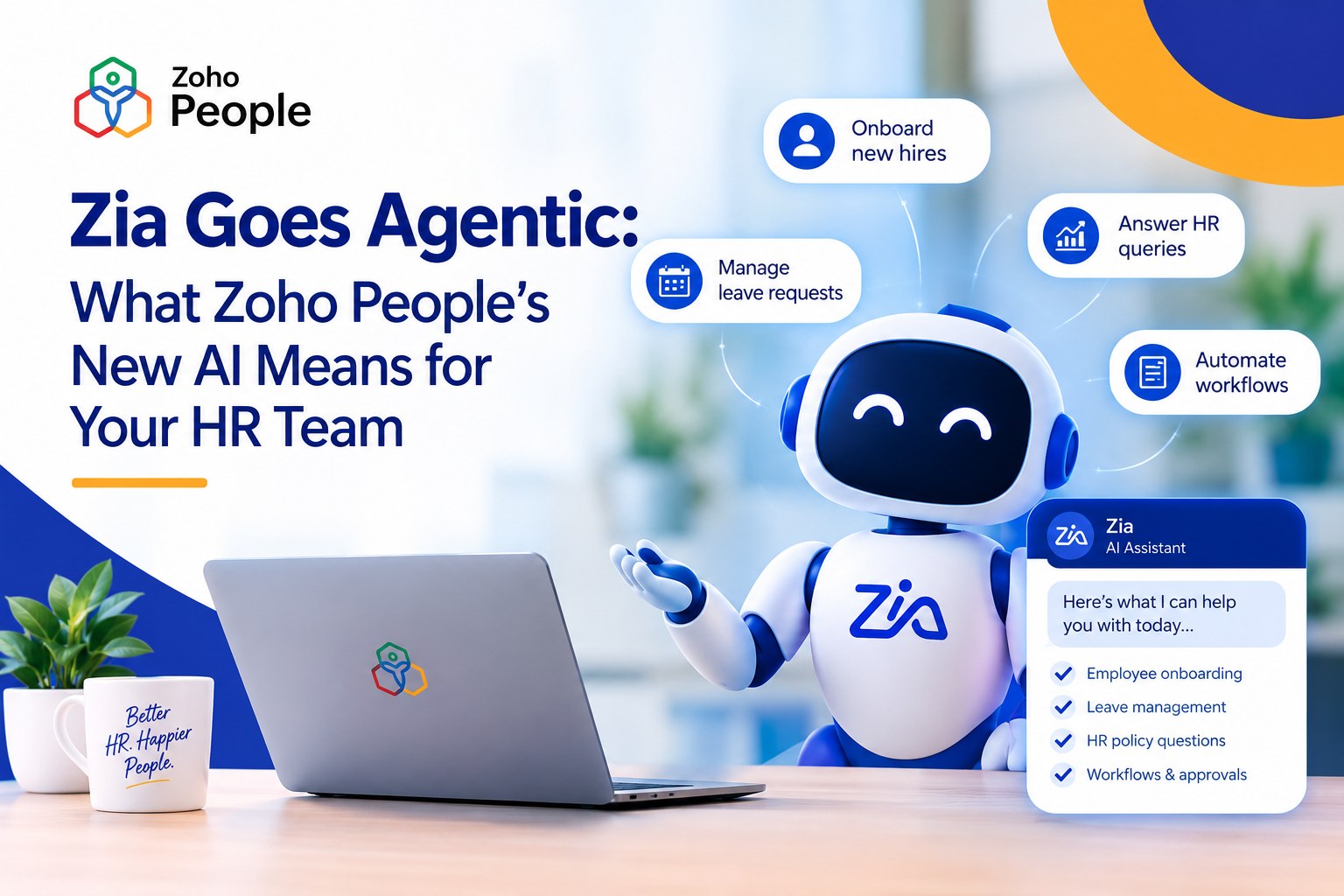
Zoho has made a meaningful move on exactly this problem. Over the past few months, Zia, the AI assistant inside Zoho People, has gone from something that answers questions to something that gets tasks done. For a mid-sized business without a large HR department, that is worth paying attention to.

From Answering Questions to Doing the Work

Most workplace chatbots stop at “here’s a link to the policy.” Zoho describes Zia as an assistant that “answers questions, executes tasks, and pulls reports” from a plain-language request, working against your own Zoho People data.

The recent updates show the direction of travel. Zia can now carry out key onboarding steps straight from chat, such as managing candidates, triggering workflows, resending portal invitations and checking onboarding records by status. Employees can ask it to find files that have been shared with them. It can even draft assessment questions for your learning courses from a topic description or an uploaded document.

That is the shift: from an assistant that points, to one that does.

What It Looks Like in a Real Week

Based on what Zoho has published, here is where a growing HR team is likely to feel it first:

  • Routine questions stop landing on HR. Employees can ask Zia about policies, leave and their own data instead of messaging a person, and Zoho says it can summarise policies and help with leave planning.
  • Onboarding moves faster. The admin steps that eat a new-hire week can be triggered from a conversation rather than hunted down across screens.
  • Managers see their team without asking for a report. Zia turns workforce data into charts and highlights trends and recurring patterns.
  • It meets people where they work. Zia works by chat or voice across the web app, the mobile app, Microsoft Teams and Slack.

Why This Matters More for Growing Businesses Than Big Ones

Enterprises have specialists for onboarding, policy and reporting. A 60-person company has one or two people doing all of it, and often one person who simply knows where everything is. When that person is out sick, or resigns, the business feels it.

An assistant that handles the routine questions and routine steps spreads that load across the system instead of across one person’s memory. That is the real value here, and it is why we think this belongs in the conversation for scaling businesses, not just large ones.

It is also within reach. Zia is listed among the features on Zoho People’s plans rather than sold as a separate enterprise product, and you can run it on Zoho’s own language model, hosted in Zoho’s data centres, or bring your own key to connect a third-party model. Which edition includes which Zia capabilities is worth confirming for your plan before you build around it, and we are happy to check that with you.

The Question to Ask First: Who Can See What?

An assistant that can act on HR data needs rules. Zoho says Zia only provides information each user is permitted to access, keeps an audit of every action it performs, and protects data with encryption. Those are the right foundations.

They only protect you if your roles and permissions are right to begin with. If everyone is an admin today, Zia will inherit that. This is the unglamorous work we do first, because we diagnose before we prescribe.

Where We Would Be Careful

  • Patterns are not verdicts. Insights that flag trends in attendance or engagement are a prompt for a good conversation with a manager. They are not a decision about a person.
  • Clean data in, useful answers out. If leave policies are out of date or employee records are patchy, Zia will faithfully repeat the mess.
  • Technology does not create adoption. Your new system will not fail because of the software. It fails if the team is not brought along.

How to Start Without Overcomplicating It

  1. Fix the foundations. Review roles and permissions, and make sure your policies and employee data are current.
  2. Start small. Pick two or three high-volume requests, such as leave questions, onboarding steps and policy lookups, and measure the time you get back.
  3. Bring people along. Show employees and managers what to ask and where to go when something does not work. Keep a human reachable for the “where do I click” moments. That is why every Consult JC launch includes a period of free hypercare.

Thinking About Zia for Your HR Team?

We will look at your current Zoho People setup, tell you honestly what is worth switching on and what to fix first, and help your team actually use it. Book a free consultation at consultjc.com or email info@consultjc.com.

People first. Systems that scale.
Scroll to Top